
Here is the quick review and set-up video:
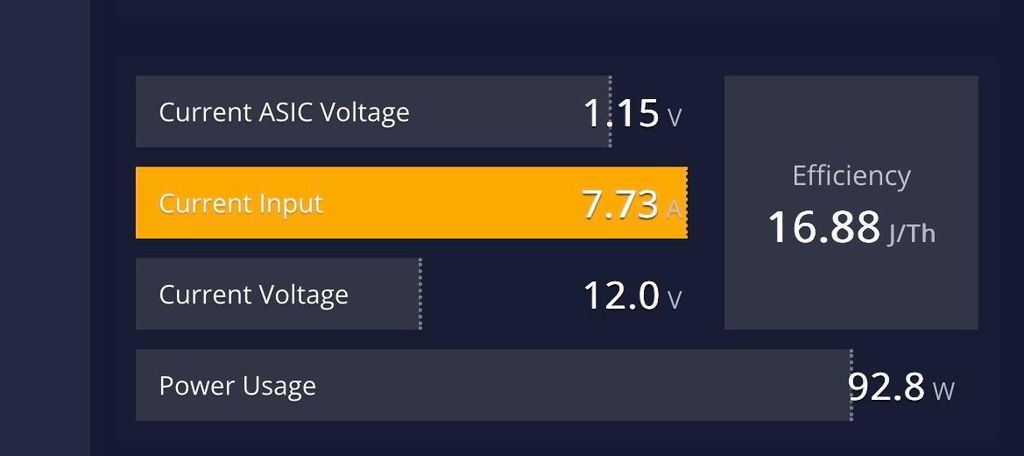
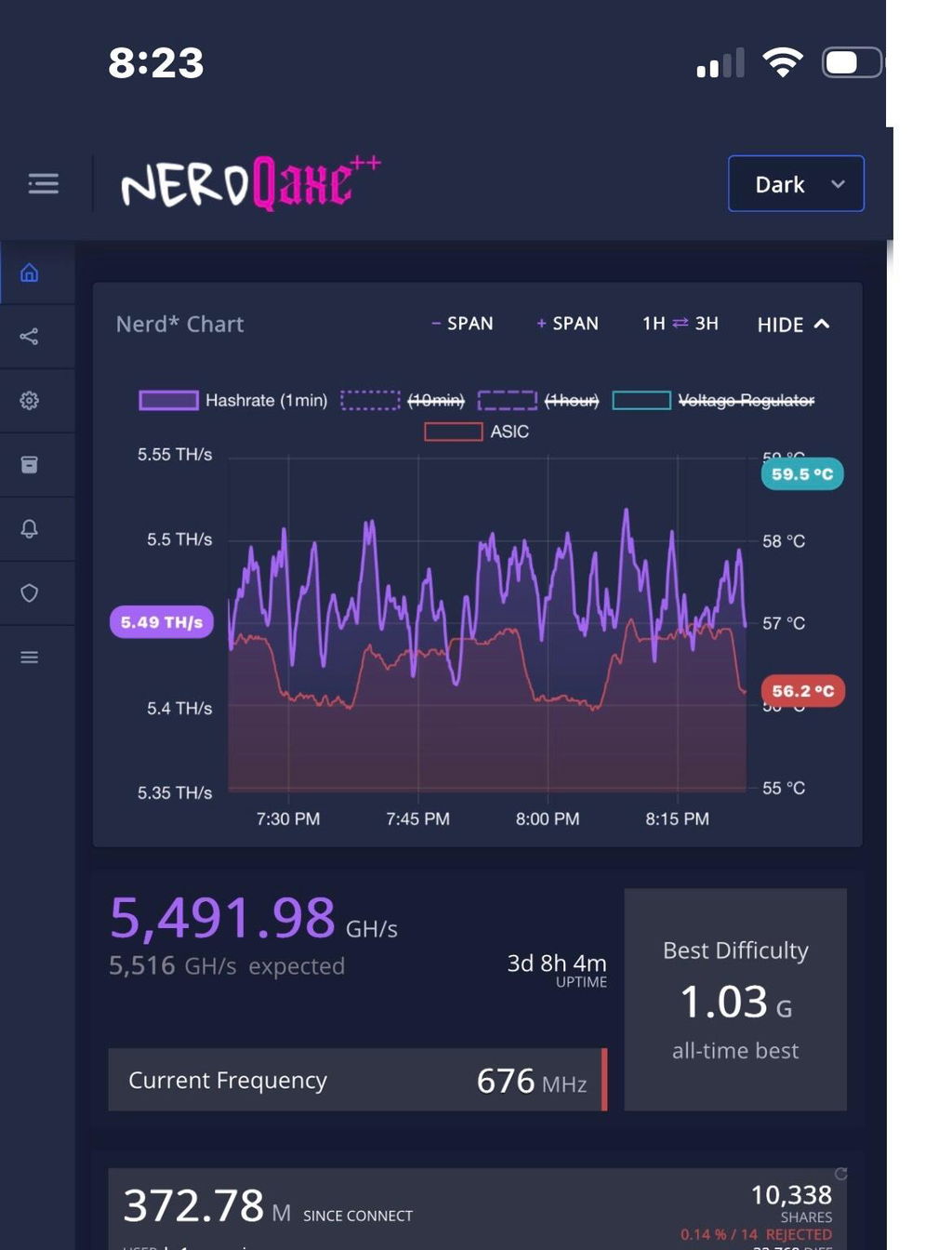
Just got your hands on the NerdQaxe++? Congrats! 🎉 You're now the proud owner of one of the most efficient home Bitcoin miners on the market — delivering 4.8 TH/s at just 72 watts.
Here’s how to get started in just a few simple steps.
🔌 What’s in the Box?
-
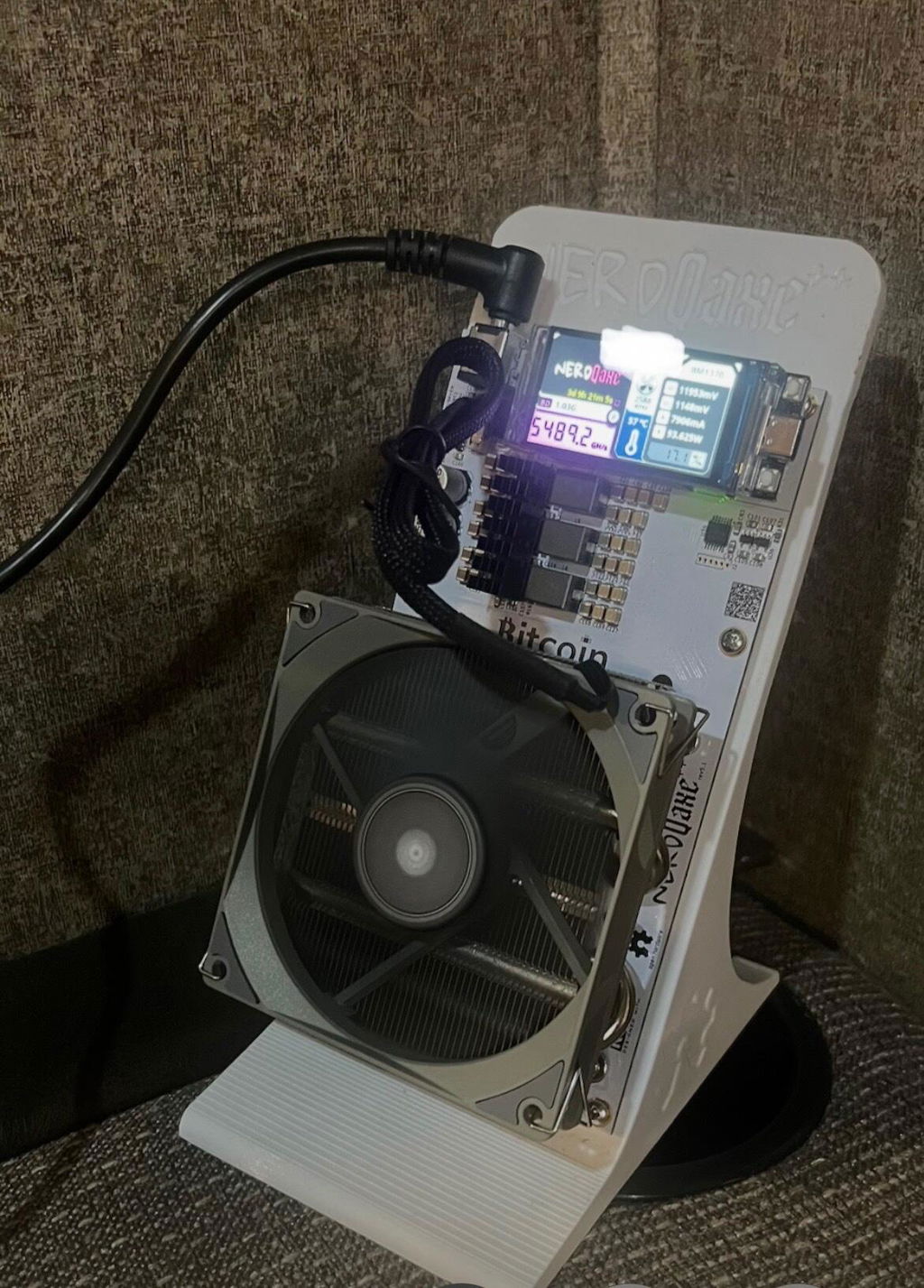
NerdQaxe++ Miner (with BM1370 chips)
-
Pre-installed Thermalright AXP90 X36 low-profile cooler
-
Onboard LILYGO T-Display S3 (1.9" color LCD with 2 buttons)
-
Power Supply (ensure you have a power supply that can deliver 5V/3A)
🧰 What You’ll Need
-
Wi-Fi connection
-
Access to your AxeOS dashboard (via browser)
-
A Bitcoin wallet address to receive mined sats
🔄 Step-by-Step Setup
1. Power It Up
Connect your NerdQaxe++ to a stable 5V/3A power source. You’ll see the LCD screen light up and begin to load the AxeOS interface.
2. Connect to Wi-Fi
-
On the first boot, the NerdQaxe++ will create a Wi-Fi access point (Nerdaxe-XXXX).
-
Use your phone or computer to connect to that network.
-
You’ll be redirected to a setup page where you can enter your local Wi-Fi credentials.
-
Once connected, the miner will reboot and join your local network.
3. Access your mining dashboard
- To access your settings, once connected to WiFi your screen will display an IP address (192.168.x.xxx). You can type this into any browser to access settings when in proximity to the miner.
- MOST IMPORTANT STEP - Set 'Stratum User' to your Bitcoin wallet address (must start with "bc" "1" or "3") or mining username if you are joining a pool. IF YOU DON'T CHANGE THIS FIELD YOU WON'T RECEIVE ANY BLOCK REWARDS
- Enter the 'Stratum URL' of your preferred Bitcoin pool (omit 'TCP://').
Our recommended Solo Pool (Lottery Mining) settings:
Stratum Host:
pool.bitcoinmerch.com
Stratum Port:
3333
Stratum User:
yourBTCaddressHERE
Password:
Doesnt matter
Fallback Stratum Host:
solo.ckpool.org
Fallback Stratum Port:
3333
Fallback User:
yourBTCaddressHERE
Password:
Doesnt matter
Upgrading the Firmware
- AVOID UPDATING THE FIRMWARE - IT MAY BREAK THE UNIT. Thank you!
That’s it — you’re now mining!
📊 What You Can Monitor
Thanks to the onboard T-Display S3, you can check:
-
Live hash rate
-
ASIC temperature
-
Power usage
-
Efficiency (W/TH)
-
Real-time Bitcoin price
-
Mining pool status
All without logging into your computer.
🔧 Advanced Tips
-
Want even quieter performance? Upgrade the cooler or add a fan controller.
-
Running multiple Bitaxe/NerdQaxe devices? AxeOS allows swarm monitoring — control all your miners from one interface.
-
You can reprogram the two front buttons for custom functions.
🎁 Final Thoughts
The NerdQaxe++ makes Bitcoin mining at home simple, efficient, and fun. With industry-grade chips and ultra-low power usage, you're set up for long-term mining without the high energy bill.
Have questions or want to show off your setup? Tag us on Twitter or join the community!
💡 Ready to start mining? [Order your NerdQaxe++ here]