
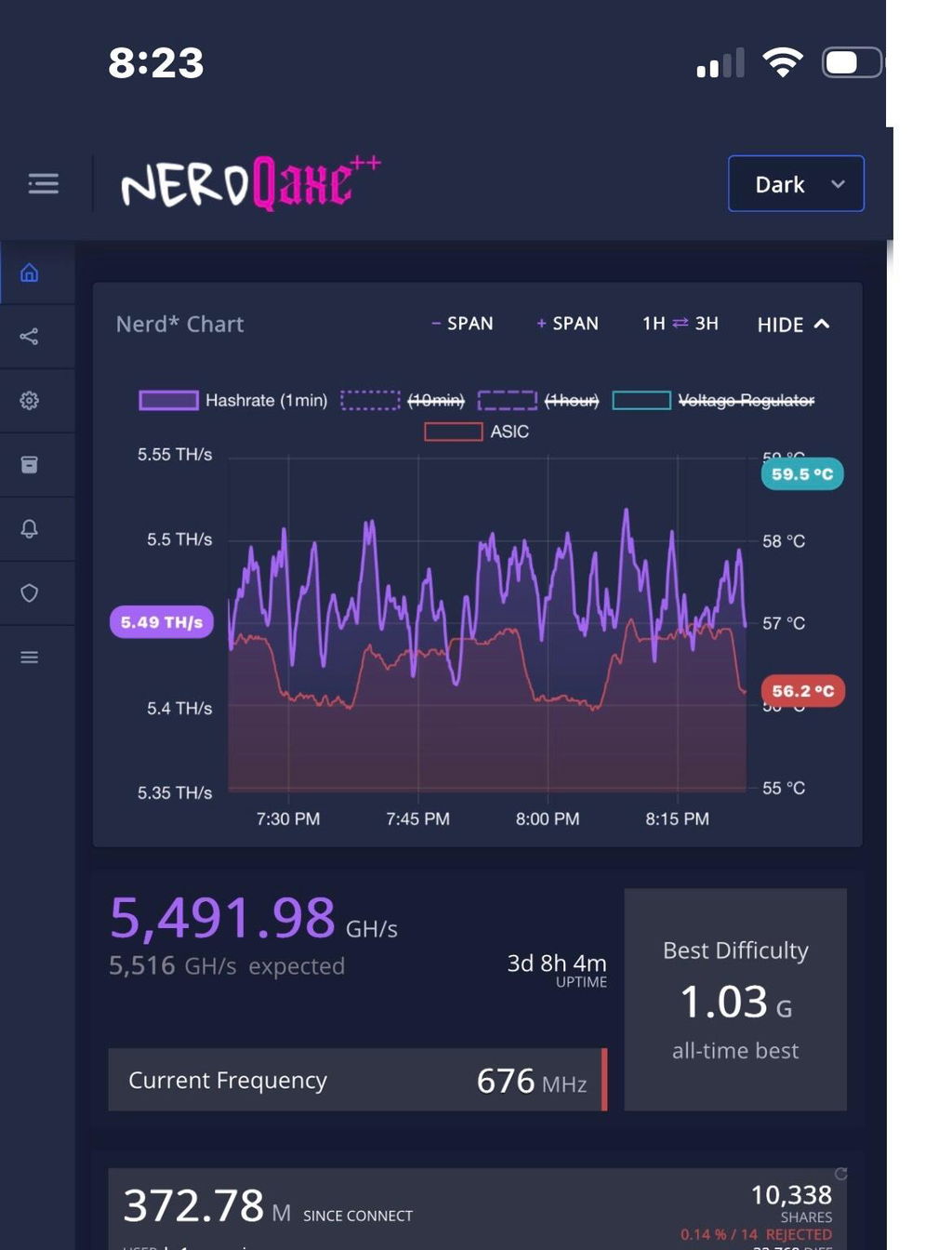
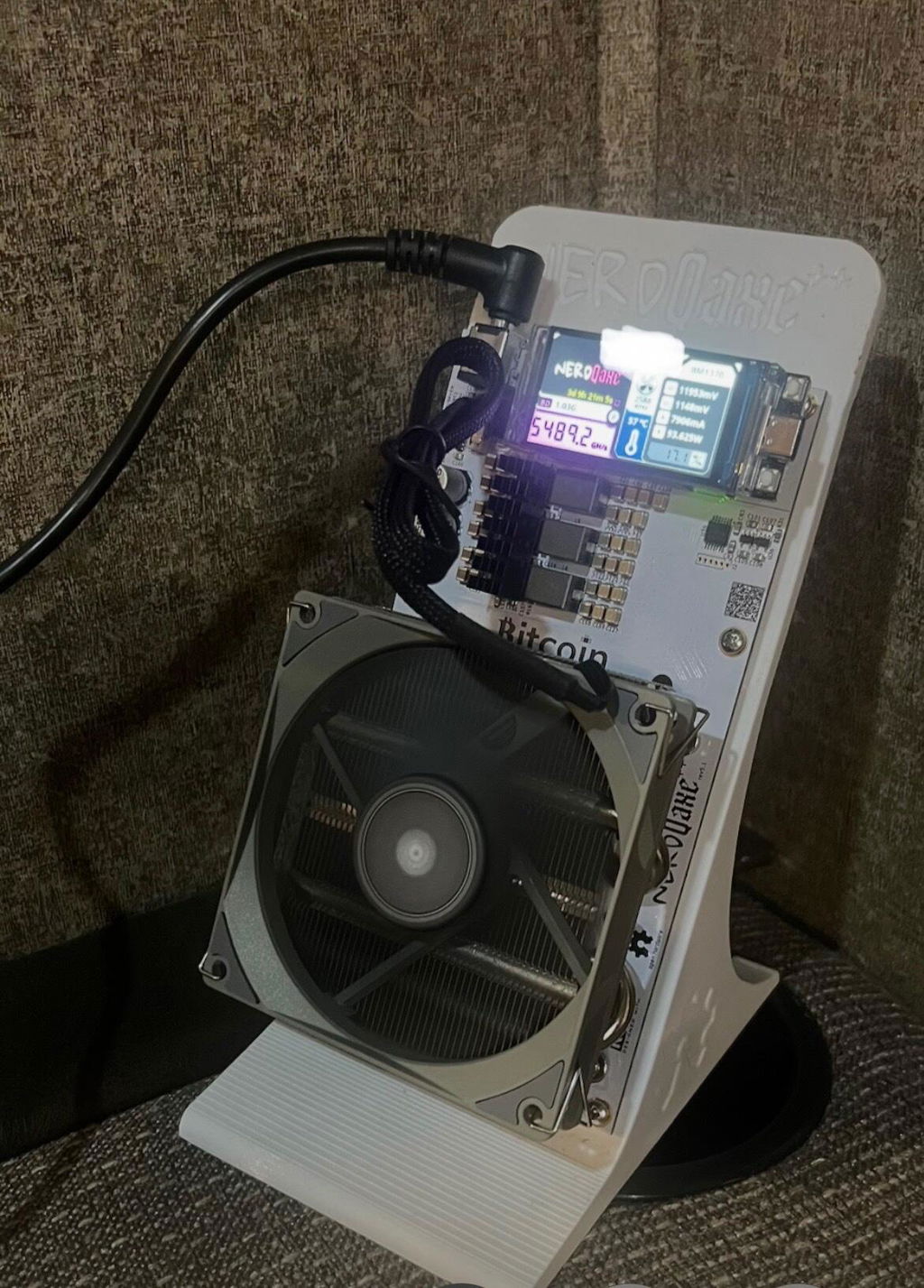
NerdQaxe++ 4.8 Great product on continuous run day3 zero crash minuscule rejects
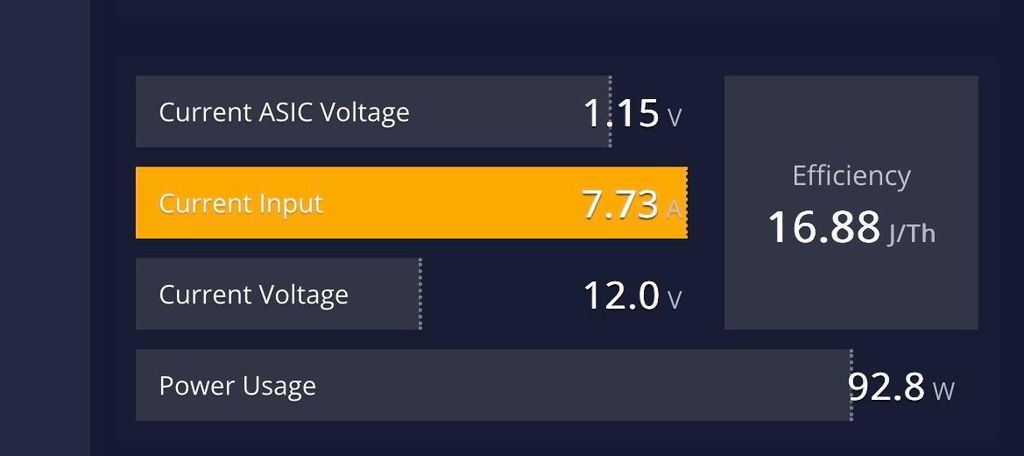
I’m running stable 5.4-5.58 hash rate once my fan upgrade comes I’ll push frequency to 950 from the current 676
Free firmware tool
Install official firmware on your Bitaxe, NerdQAxe or Gold Nugget miner over USB, right from Chrome or Edge. Nothing to download or install.
Loading devices…
Bitaxe: the board version is printed on the circuit board (for example 601 or 801) and is also shown in AxeOS under System. NerdQAxe-family miners: pick your exact model. Gold Nugget V3 uses the ESP32-2432S028R board.
Desktop Chrome, Edge and Opera (version 89 or newer). They support Web Serial, which lets this page talk to your device over USB. Safari, Firefox and mobile browsers don't.
Try a different USB cable (many are charge-only) or another USB port, and hold the BOOT button while plugging in. On Windows, Gold Nugget boards may need the CH340 USB driver.
Look for a 3–4 digit number printed on the board, such as 204, 401, 601, 602 or 801. If your miner still boots, AxeOS shows it on the System page.
Nothing is permanently damaged. Hold BOOT while plugging in, pick the correct device and board here, and flash again.
Bitaxe firmware is the official, unmodified AxeOS (ESP-Miner) release from the open-source Bitaxe project. NerdQAxe-family firmware is the official release from the open-source ESP-Miner-NerdQAxePlus project. Gold Nugget V3 firmware is published by Bitcoin Merch. Every file is checked against its SHA-256 checksum in your browser before anything is written to your device.
Contact us through our contact page. The open-source mining community is also active on the OSMU wiki.